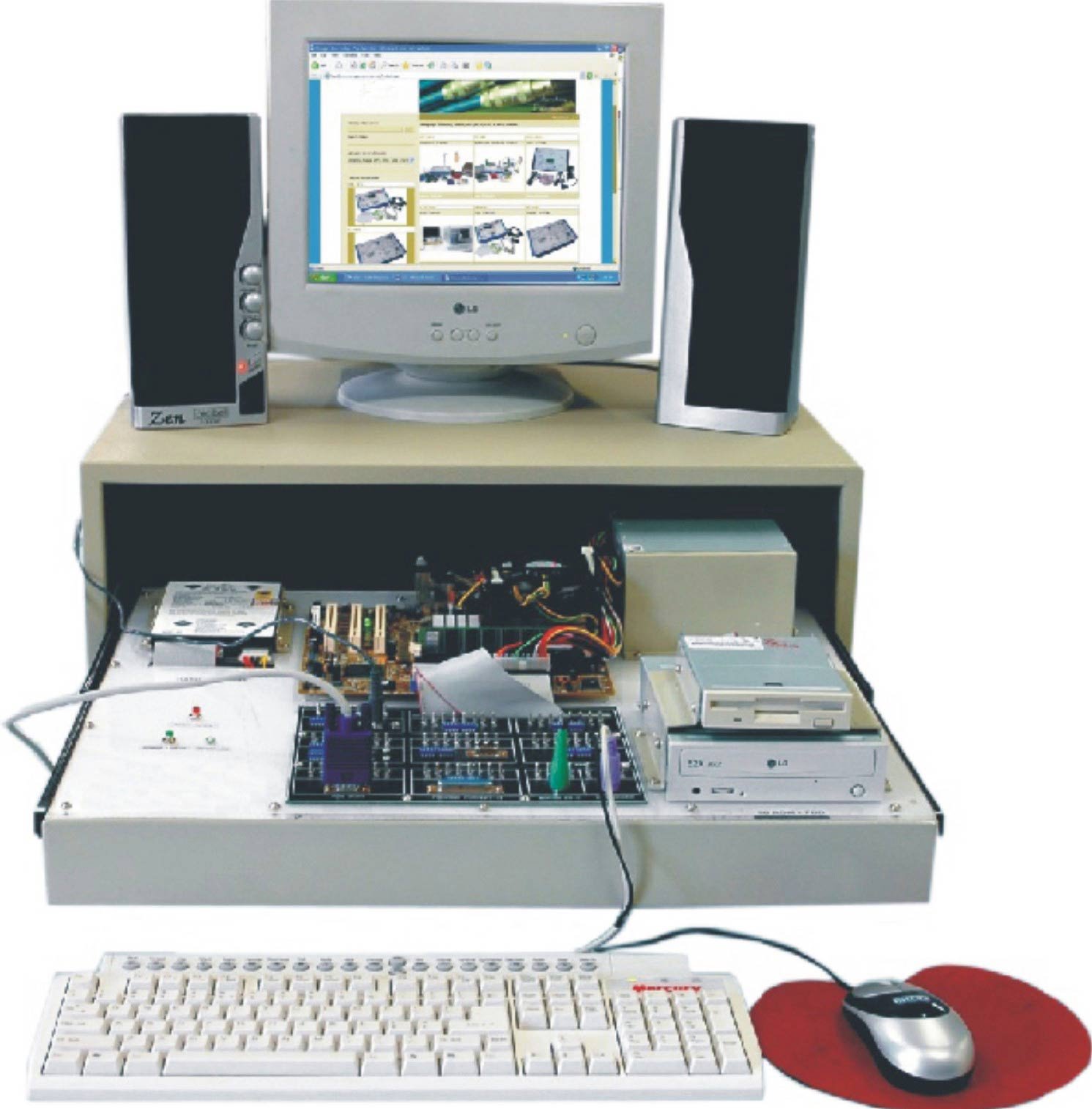
- The computer case contain the main components for the computer as such in diagram 1. They come in different shapes and sizes. The front of the case usually has an on/off switch and one or more optical drives.

1.Computer Case
- The monitor works with a video card. Newer version of monitors tend to carry LED(light-emitting diode) displays. It is a thin surface and are flat panel displays. Older version of monitors work with CRT(cathode ray tube) displays. this type of CRT monitors are wider and heavier and need more space

2. Moniter

- The keyboard is used to enter data.
3. Keyboard

- A mouse a type of pointing device puts you in control moving items around and click on points. A mouse connects to the computer with a USB cord. Different types of mouse are optical which use an electric and mechanical controls movement. The mouse alternatives are trackball and touch pad.
4. Mouse